

From “Something’s Broken” to “It’s Sorted”
Your washing machine stops working on a Sunday morning.
It’s not a dramatic failure — no smoke, no noise, just a machine that used to spin and now doesn’t. But it’s Sunday, there’s a week’s laundry sitting in it, and you have exactly one thought: I need to get this fixed.
Customer complaint tracking is a journey. That single thought sets off a chain of small actions, most of which we’ve already looked at individually across this series.
What we will do today, is walk through them as one connected sequence. Customer support is a journey, made up of five ordinary steps, and most of what goes wrong with it happens in the gaps between those steps, not within any one of them.
Here’s what customer complaint tracking actually looks like, start to finish.
1. Find
You don’t know your washing machine brand’s service number off the top of your head — nobody does. So you search for it: the brand, the product, “customer care.”
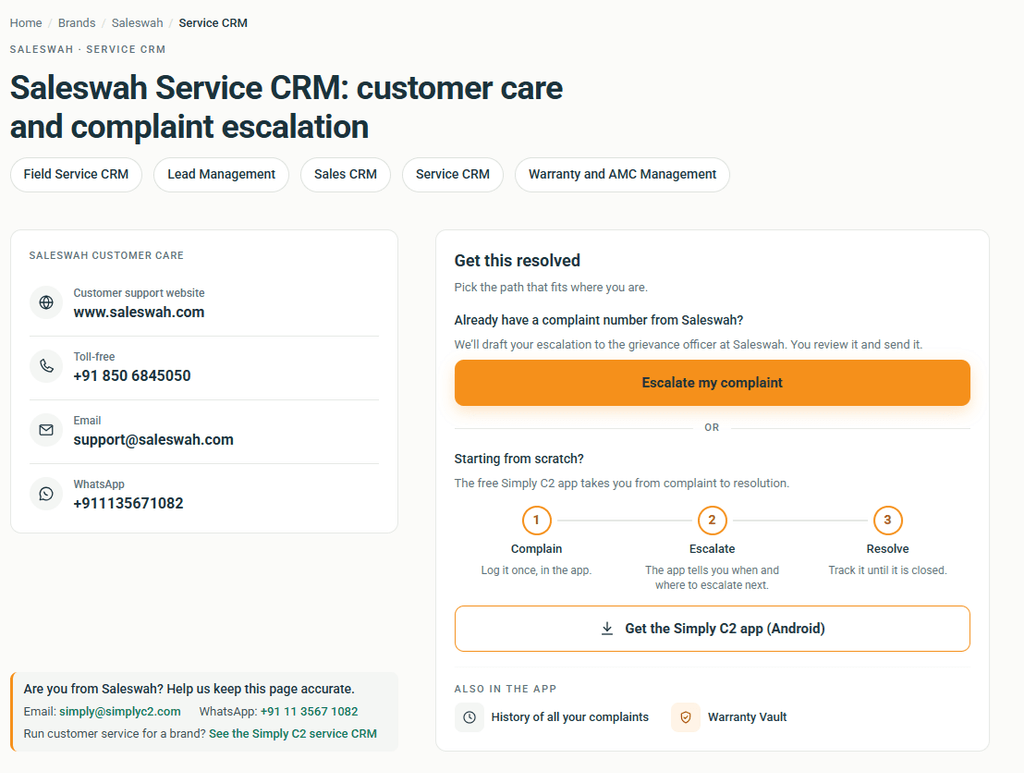
This is the part we wrote about in Part 1. Three phone numbers, a WhatsApp number that is sales-only and an outdated contact page. It’s also the part a structured support directory exists to shortcut: brand, then product, then the actual support information attached to it — not the company’s internal org chart standing between you and a phone number.
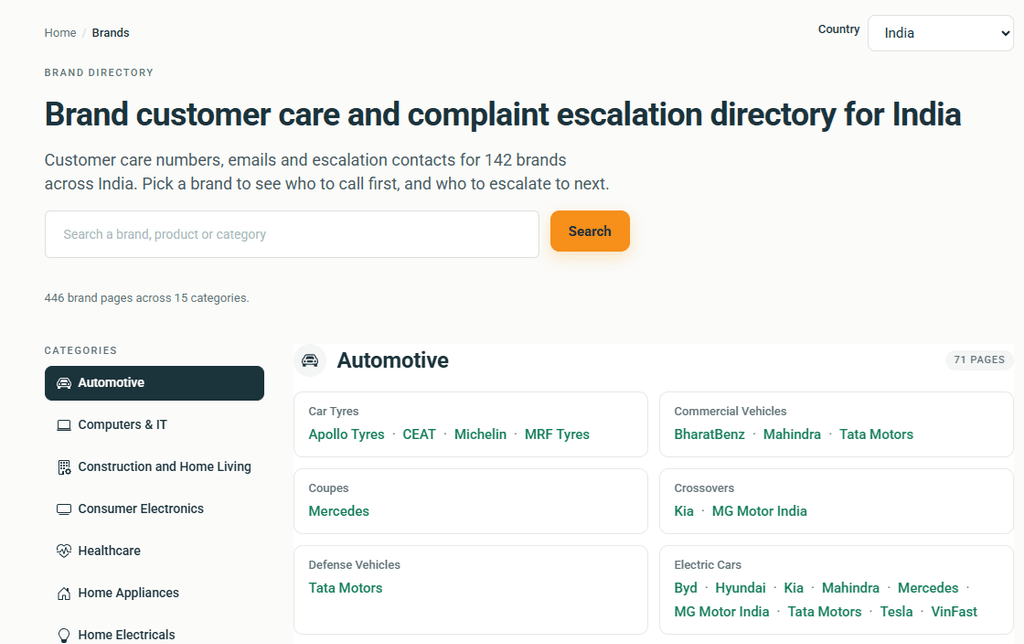
Ideally, this step takes thirty seconds, not thirty minutes.
2. Contact
You’ve found the number, or the WhatsApp line, or both. Now you actually reach out — call, message, whatever channel the brand supports for this product.
Nothing complicated here. This is the part that’s always existed, the part every customer has always had to do. The difference is what happens next.
3. Record
Here’s where most people’s process quietly falls apart, because there usually isn’t one. You hang up the phone. Maybe you remember the technician’s name. Maybe you don’t. There’s no reference number written down anywhere. There’s no note of what day you called, no record beyond fragments in your memory a week later when nobody’s shown up yet.
This is the step Part 3 of this series was really about. Instead of relying on memory, you record the complaint — against the product itself, which already has its purchase date and warranty status attached. A few basic details: the product, what was reported, the date, how you reached them, any complaint or reference number they gave you, whatever service details exist so far.
It sounds almost too simple to matter. It matters enormously the second time you have to call and someone asks, “when did you first report this?”
4. Track
Now we are at the heart of the customer complaint tracking journey.
A recorded complaint shouldn’t disappear into the ether the way a phone call does. Depending on what the brand’s own service process actually supports, you can see it move: reported, assigned to a technician, visit scheduled, technician on the way, resolved.
Worth being straightforward about this part: how much of that tracking is possible depends entirely on what the manufacturer or service provider exposes. Some processes give you real, live status updates. Others give you less. Either way, you’re no longer entirely dependent on your own memory of the last phone call to know where things stand.
5. Escalate
Sometimes the visit doesn’t happen. Then it happens and doesn’t fix anything. Perhaps three days pass and nothing moves. You need to escalate, to someone who will listen.
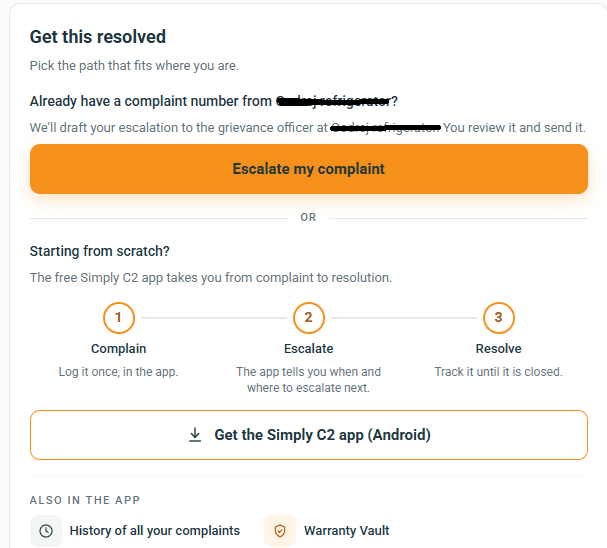
After all what good is customer complaint tracking, if it is still not resolved?
This is where a record — a real one, not a memory — becomes genuinely useful, because “I called them three times” is not a strong position to escalate from. It’s your word against a service log you don’t have access to. A dated, detailed record of exactly what was reported, when, and what happened after is a different conversation entirely. It’s the difference between complaining and having a case.
Two questions, answered by two different things
Step back from the five customer complaint tracking steps for a moment, because there’s a simpler way to see the whole series.
There are really only two questions in all of this. Who do I contact? That’s what a support directory answers. What happened after I contacted them? That’s what a product record and complaint tracker answers.
Neither one is the whole solution by itself. A directory that gets you to the right phone number but leaves you with nothing once you’ve made the call has only solved the first third of the problem. A tracking tool with nowhere to start from – no way to find who to call in the first place – never gets used at all. Together, they cover the whole arc: find, contact, record, track, escalate.
The customer complaint tracking series, in one line
If you’ve read all four of these posts covering customer complaint tracking, here’s the shape they trace, in order: information, discovery, ownership, action.
Part 1 talked about a problem most people assume is already sorted. It isn’t: finding a brand’s actual support contact.
2 was about what it takes to build something that answers that reliably — a map, not just a list.
Part 3 made the case that finding support was never the finish line; you also need somewhere to keep the product information and service history that makes every future interaction easier.
This post is about what happens when all three come together. A customer complaint is followed up, start to finish.
This is the whole idea behind our Customer Complaints Portal.
None of this makes the actual repair happen any faster. A technician still has to show up; a part still has to be available. What it changes is everything around that.
- How long it takes to find the right person.
- If there’s a record of what was promised, and
- Whether “I called three times and nothing happened” turns into a case instead of a shrug.
That’s the whole idea behind the Simply C2 customer support directory and the complaints app built alongside it. It is not to replace customer support, but to make sure a problem, once reported, is genuinely tracked from “something’s broken” to “it’s sorted.”
Leave a Reply