

Spreadsheets and documents we use to explain how after-sales service works: a complaint register, an escalation matrix, a job sheet, a repair estimate, a preventive maintenance schedule, and a complaint letter for customers. Each one is free, needs no sign-up, and opens in Excel, Word or Google Sheets.
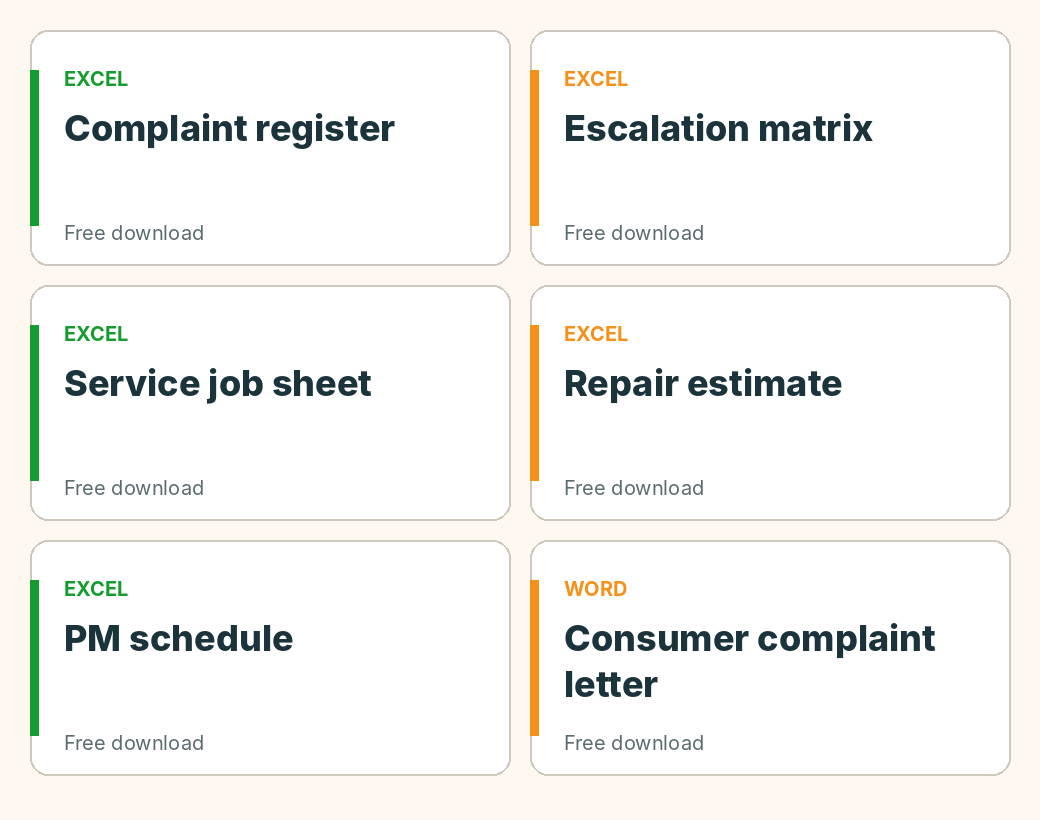
Log every complaint in one sheet: who, what, when, status and who owns it. The page explains the columns and a sensible format.
Who a complaint goes to at each level, and after how long. Includes examples, with time limits marked as examples only.
A printable job sheet for repair centres and a job register with an overdue flag, from receipt to delivery.
An itemised estimate with parts, labour and approval, so the customer agrees to the cost before paid work starts.
An equipment list with calendar and run-hours triggers, due dates, an overdue flag, a 12-month plan and a PM log.
If you are a customer with a problem that the company has not fixed, the consumer complaint format page has a free Word letter you can fill in, an outline for a consumer commission, and a follow-up log. For the route itself, start with how to file a consumer complaint online in India.
A template is a sound way to start, and often enough for one counter, one team and a handful of cases a day. It strains when several people edit the same file, when a customer asks where their case is and the answer needs a search, and when reminders only work if someone opens the file.
At that point the same records are better kept as tickets: a customer complaint portal for complaints, service centre automation for repair jobs and scheduled maintenance tickets for planned work. Moving from Excel to complaint management software covers how to switch without a big project. Simply C2 is free for up to 10 users, with no credit card.
Free Starter plan for up to 10 users, no credit card.
Start free